
Turn the chime on or off
Chime makes a short sound when a chime-enabled zone opens while the system is disarmed. It is separate from arming the alarm.
Change chime
Section titled “Change chime”- Disarm the system.
- Select Chime on the left rail.
- If a code pad opens, enter an authorized code and select the check mark.
- Check the chime indicator to confirm the new state.
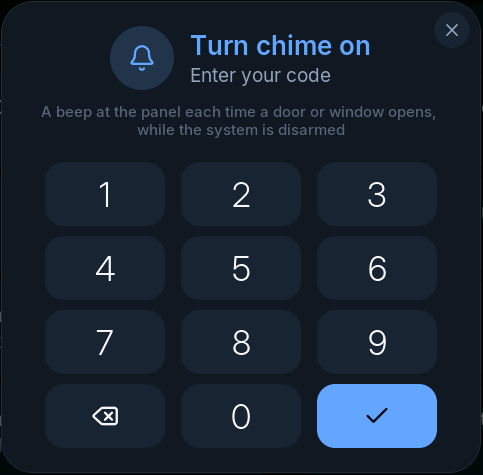
If Chime needs a code is off, selecting Chime switches it immediately. You can also reach Chime through Settings > Display and sound.
A door does not chime
Section titled “A door does not chime”Check that the system is disarmed and chime is on. Then open Zones and confirm that the correct zone changes when the door opens. The installer must also enable Chime for that individual zone.
If the zone never changes, investigate the sensor first. Changing the chime setting cannot fix a sensor connection.