
Arm and disarm
Before you begin: know your code, the exit route and which door starts the entry countdown.
Choose the right mode
Section titled “Choose the right mode”| Mode | Use it when | What is watched |
|---|---|---|
| Away | Everyone is leaving | Perimeter and interior zones |
| Stay | Someone stays inside | Perimeter zones; interior zones are ignored |
| Night | You are going to bed | Perimeter plus interior zones the installer marked as Night zone |
Fire, CO and other 24-hour zone behavior is separate from these burglary modes. An arming mode is not a way to disable them.
Arm the system
Section titled “Arm the system”- Close the doors and windows you want protected.
- On Home, choose Away, Stay or Night.
- Enter your code and select the check mark, if asked.
- For Away, leave by the agreed exit door before the countdown ends.
- Check the resulting state. Armed Away, Armed Stay or Armed Night confirms the active mode.
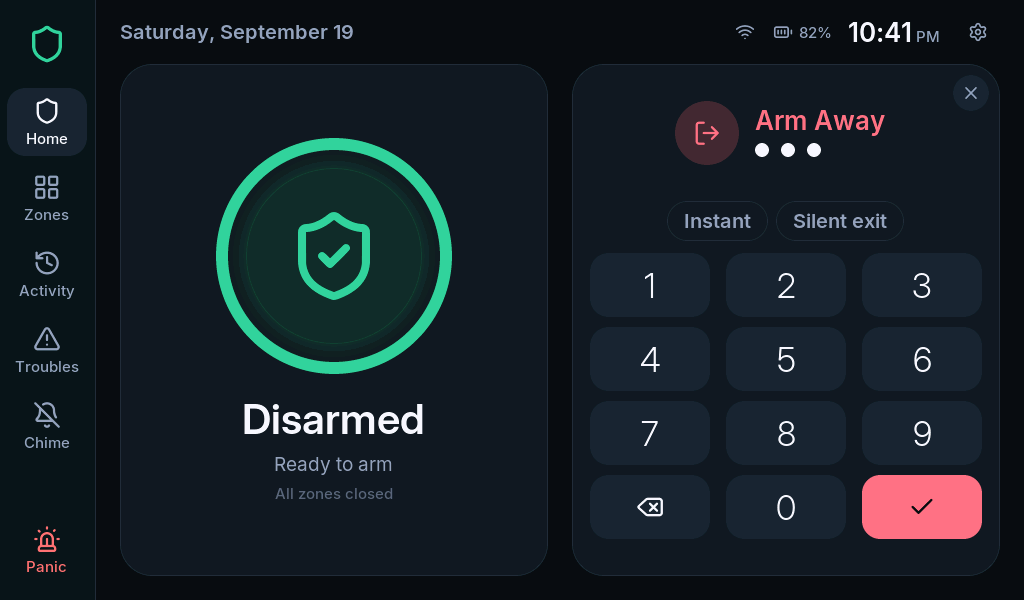
With Auto-stay enabled, keypad Away arming can become Stay if no entry/exit door was used. That is expected behavior, not a failed arming request.
Away normally has exit beeps. Stay and Night have a quiet exit countdown; silence does not mean they failed to arm.
For Away, Silent exit suppresses the exit beeps and extends exit time. It does not silence a later alarm. Stay and Night already use a quiet exit countdown.
Disarm or cancel exit time
Section titled “Disarm or cancel exit time”- On Home, use the code pad already shown during exit time or while armed.
- Enter an authorized code.
- Select the check mark.
- Confirm the state changes to Disarmed.
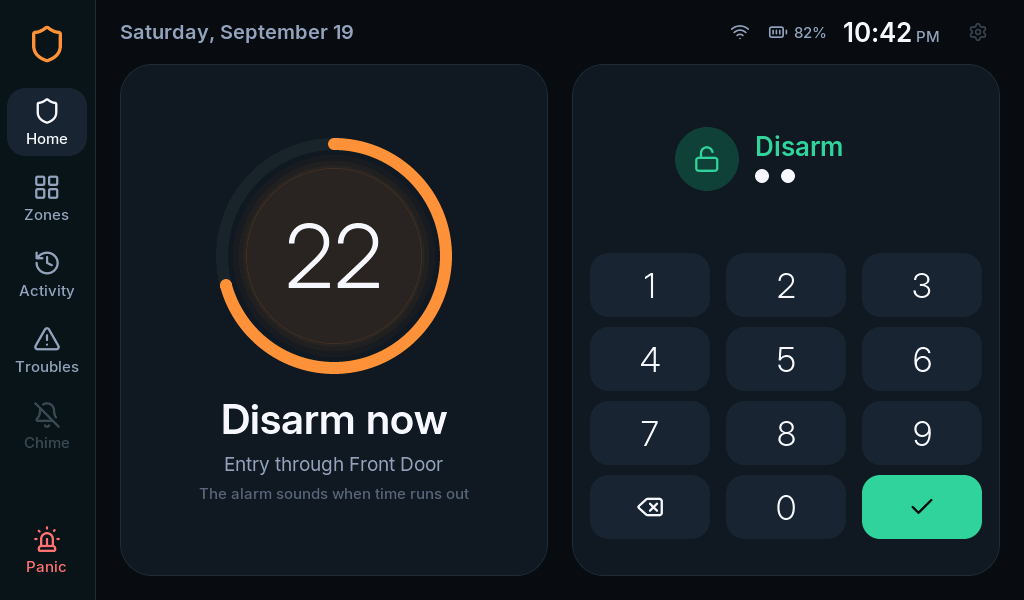
When you return through an entry door, finish before the entry countdown ends. A Guest code can disarm only when that same guest armed the system. An Arm only code cannot disarm.
What does Instant do?
Section titled “What does Instant do?”Instant removes the entry delay. It does not remove exit time. After the system arms, opening a normally delayed entry door can trigger an immediate alarm. Use it only when nobody needs to enter before disarming.
If the system refuses to arm
Section titled “If the system refuses to arm”Open Zones and read the named problem. Close the opening or resolve the fault, then retry. If deliberately leaving out an eligible zone, follow Bypass a zone. Do not use Bypass open without checking which zones it will exclude.